
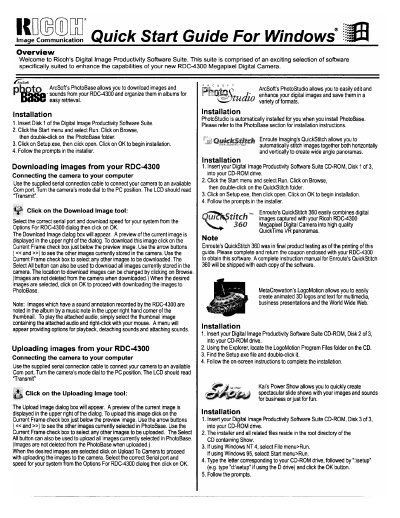
Ricoh RDC-4300 Quick Start Guide For Windows


Ricoh RDC-4300 Quick Start Guide For Windows - cover page
Brand
Ricoh
Document type
User Manual
Language
English
Pages
2
File format
PDF
File size
217 KB
Published
09 July, 2012
Updated
09 July, 2012
MD5 checksum
736FCA0BBA894340E9BE04DA199F7A63

About this manual

This document is a quick start guide for the Ricoh Digital Image Productivity Software Suite designed to enhance the capabilities of the RDC-4300 Megapixel Digital Camera. The suite includes software such as PhotoBase, PhotoStudio, QuickStitch, LogoMotion, and Power Show.

What's inside

  • Overview
  • Installation
  • Downloading images from your RDC-4300
  • Uploading images from your RDC-4300
  • PhotoBase
  • PhotoStudio
  • QuickStitch
  • LogoMotion
  • Power Show

Frequently asked questions

How do I connect the camera to download images?

Use the supplied serial connection cable to connect your camera to an available Com port and turn the camera's mode dial to the PC position.

Are images deleted from the camera when downloaded?

No, images are not deleted from the camera when downloaded.

Download PDF (217 KB)

More Ricoh Manuals


View all Ricoh manuals →