
This document introduces the installation process of the Io software.
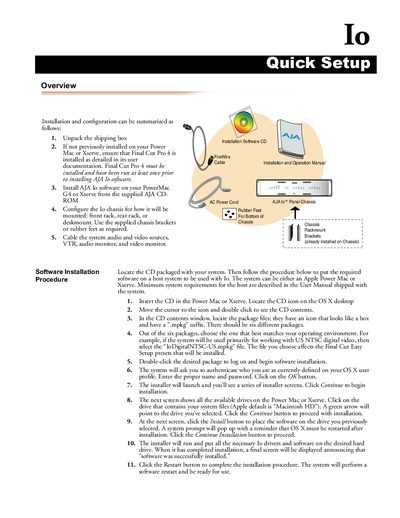
The document outlines the steps to unpack, install the required Final Cut Pro 4 software, and set up the AJA Io software on a host system. It details how to configure the chassis for front rack, rear rack, or desk mounting using supplied brackets or rubber feet.
The guide also covers connecting video and audio sources such as VTRs, monitors, and digital systems like Apple Xserve RAID. It includes diagrams showing typical interconnections for digital A/V sources and instructions for desk mounting the chassis.
The host system must be an Apple Power Mac or Xserve, and Final Cut Pro 4 must be installed and run at least once prior to installation.
Select the package that best matches your operating environment, such as 'IoDigitalINTSC-US.mpkg' if working primarily with US NTSC digital video.
Yes, it is shipped with brackets ready for mounting into a standard 19" equipment rack.