
This is an instruction manual for the EverAccess desktop reader ERS-871. The desktop reader incorporates advanced technology, reliable performance, easy-to-use features, and an elegant appearance. It can be used to enroll cards into the access control system and bridge multiple controllers via RS485 bus. The desktop reader is simple to install and connects to the computer via USB port. It is an ideal choice to enhance the EverAccess Access Control System.
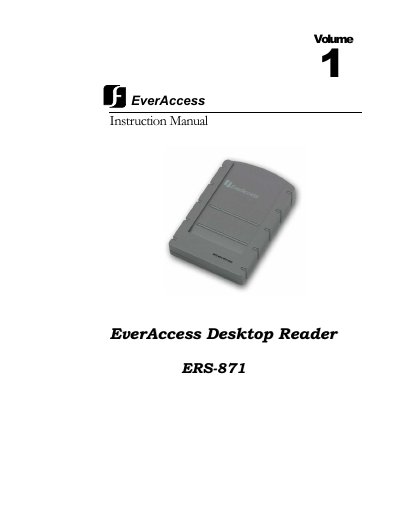
The EverAccess Desktop Reader ERS-871 is a 125kHz proximity device designed to enroll cards into access control systems and bridge multiple controllers via an RS485 bus. It features a built-in audio buzzer, three LED indicators, and connects to a computer via a USB 1.1 port. The device includes two RS485 interfaces (RJ45 connectors) for network expansion.
| Frequency | 125 KHz |
|---|---|
| Data Format | 64 bit |
| Read Time | 200ms |
| Output Format | RS485 |
| Power Supply | USB |
| Operating Temperature | -10°C ~ +60°C |
| Transmission distance | 4000 feet |
The read time is 200ms.
It connects to the computer via a USB port.
The data format is 64 bit.