
Allied Telesis Upgrade Manager User Manual

Allied Telesis provides a tool called Upgrade Manager that simplifies the process of network configuration and inventory management. The tool can automatically search for devices on the network and create a device inventory.
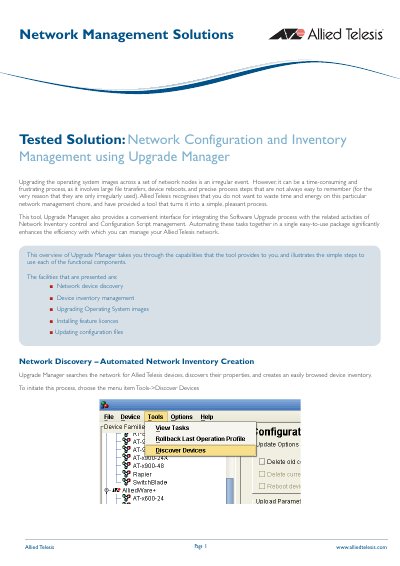

Allied Telesis Upgrade Manager User Manual - cover page
Brand
Allied Telesis
Category
Other Electronics
Document type
User Manual
Language
English
Pages
27
File format
PDF
File size
1.7 MB
Published
09 July, 2012
Updated
28 September, 2023
MD5 checksum
0630B3B3A2F84B0502F07F80069AEE6E

About this manual

The Allied Telesis Upgrade Manager is a tool designed to simplify the process of upgrading operating system images across a set of network nodes. It automates time-consuming tasks such as large file transfers, device reboots, and precise process steps, turning them into a simple and pleasant process. The tool also integrates the software upgrade process with network inventory control and configuration script management.

What's inside

  • Network device discovery
  • Device inventory management
  • Upgrading Operating System images
  • Installing feature licences
  • Updating configuration files
  • Release Upgrade (AlliedWare+)
  • Release Upgrade (Other)
  • Configuration File Update

Frequently asked questions

What login credentials are required to add a device to the inventory?

The device must be configured with a Telnet login account that has the specified Username and Password.

How many retries does the system use when adding a device?

The default setting for Retries is 3.

Download PDF (1.7 MB)

More Allied Telesis Manuals


View all Allied Telesis manuals →