
Agilent OpenLAB ECM Intelligent Reporter is a server-based report generation application that can be used with chromatography data stored in OpenLAB (ECM). This easy-to-use application helps you create complex analysis results reports in just three steps: 1. Use the built-in report templates or create your own using the intuitive graphical report template editor; 2. Select the report content you need from all of the chromatography data in your lab using simple database queries; 3. Generate the report.
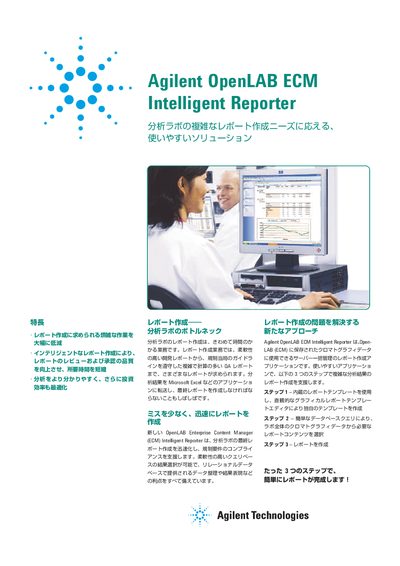
The document describes the Agilent OpenLAB ECM Intelligent Reporter as a solution designed to streamline complex report creation in analytical laboratories. It addresses bottlenecks by automating the assembly of final reports from stored chromatographic data, supporting various industries including chemical, pharmaceutical, and R&D labs.
The software facilitates rapid review and approval processes through features like automated business process workflows, which can reduce turnaround time from weeks to days. Users can create custom templates using a WYSIWYG editor, perform complex calculations, visualize results with charts, and mark out-of-spec values for quick identification. This manual is written in Japanese.