
Agilent DNA Microarray Data Analysis Software 7.1 has been updated to support non-Agilent chips. This software can automatically perform numeric processing of scanning images, including Agilent chips and non-Agilent chips, and supports automatic calculation of abnormal points, background correction, pigment correction, P value, and abnormal background
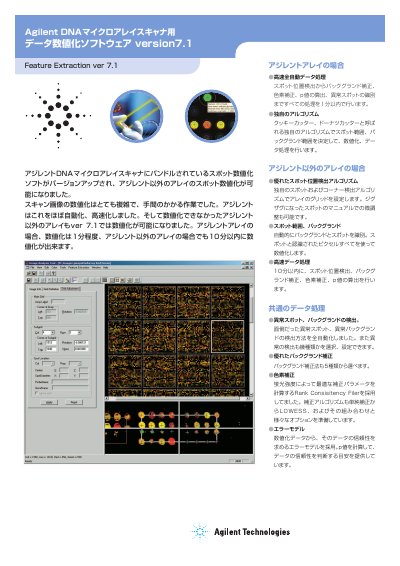
The Agilent Feature Extraction software (version A.1) is bundled with Agilent DNA Microarray Scanners but has been updated to support spot digitization for arrays from manufacturers other than Agilent. The software automates complex tasks such as spot location detection, background correction, dye normalization, and p-value calculation, completing the process in under 10 minutes. This manual is written in Japanese.
| Recommended CPU Speed | Pentium 1.5 GHz or higher |
|---|---|
| Minimum RAM | 518 MB |
| Hard Disk Space | 500 MB |
Yes, version A.1 allows for the digitization of spots on arrays from manufacturers other than Agilent.
Agilent array digitization takes about 1 minute, while non-Agilent arrays are completed within 10 minutes.