
This document is the user's guide for XM3020, providing safety instructions, steps to connect the power cord, and usage and maintenance guidelines for the product.
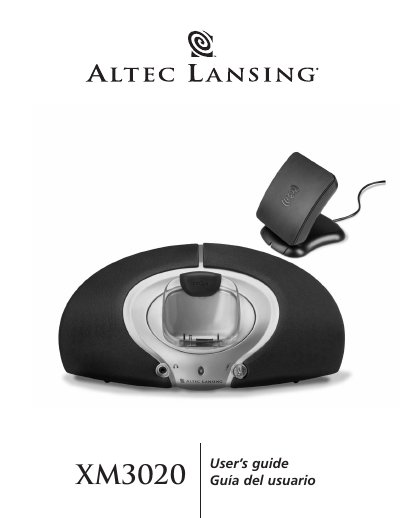
The document is a user's guide for the Altec Lansing XM3020 Powered Audio System. It details the contents of the box, including the speaker system, power supply, and docking adapters for various XM2go receivers like Delphi MyFi, Pioneer Airware, and Tao. The guide explains how to connect the antenna and power supply, position the unit, and operate the volume controls.
| Sound Pressure Level (SPL) | 92 dB |
|---|---|
| Total Continuous Power | 6 Watts RMS • 3 Watts/channel @ 6 ohms @ 10% THD |
| System Response | 80 Hz – 20 kHz (-10 dB) |
| Signal to Noise Ratio @ 1 kHz input | > 65 dB |
The system works with Delphi MyFi, Pioneer Airware, and Tao XM2go receivers.
Connect and position the antenna, place the power supply in a wall outlet, then start your XM2go receiver to light up the green LED.
Possible issues include the power supply cord not being connected, the surge protector being off, a non-functioning wall outlet, or the antenna not getting a signal.