
The document describes the features, characteristics, and specifications of a product.
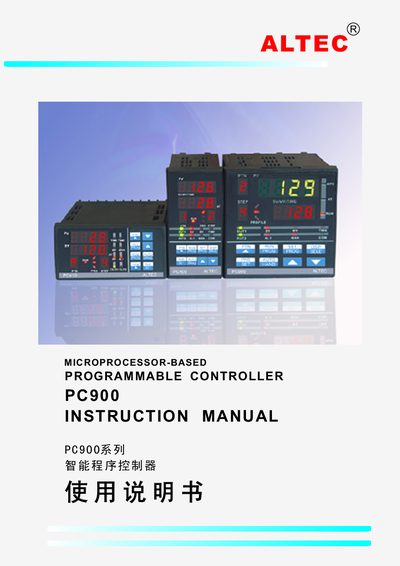
This manual describes the PC900 series intelligent programmable controller, highlighting its modular hardware, configurable software, and wide applicability in temperature, humidity, pressure, flow, and other industrial measurement and control tasks. It explains the controller’s 10×16 temperature‑curve capability, dual input channels, and optional communication modules.
Installation, electrical connections, panel description, operation procedures, fault diagnostics, and serial/digital communication settings are covered in detail, along with PID tuning, linear process input, curve programming, and special functions such as printing and analog setpoint output.
| Measurement accuracy | ±0.2% of full scale |
|---|---|
| Input signal ranges | 0~20 mA, 4~20 mA, –10.0~50.0 mV, 0~10 V |
| Relay output rating | Normally‑open contact, 3 A / 250 V AC |
| Power supply | 85~264 V AC, 45/60 Hz |
| Operating temperature | 0 °C to 50 °C, humidity ≤85 % |
| Measurement range (°C) | –135 °C to 1000 °C |
Press the PAR/SET key for 3 seconds; the controller enters parameter modification mode where you can use the ▲/▼ keys to change values.
The controller can be equipped with RS232 or RS485 digital communication modules, both using optical isolation and supporting baud rates up to 19.2 kbps.
Connect the PC900 RS232 port (terminal 9) to the printer’s receive pin (pin 3) and ground terminal 8 to the printer’s ground (pin 5), then set matching baud rates and enable the print function in the parameters.
The relay output provides a normally‑open contact rated at 3 A and 250 V AC.