
Key facts
- Brand
- Delphi
- Model
- SA10085
- Category
- Car Speakers
- Industry
- Automotive
- Documents
- 2
- Languages
- EN
- Last added
- 2012-07-06
Start here
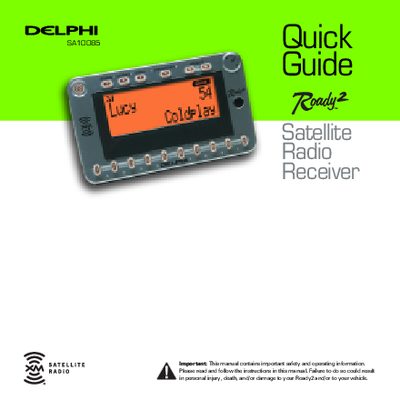
DELPHI SA10085 Satellite Radio Receiver Quick Guide
This document serves as a quick guide for the Delphi XM Roady2 satellite radio receiver. It explains how to operate the unit, including turning it on and off manually, and describes the four different display options available. The guide details how to use the Menu button and Tuning Wheel to navigate through settings and options.
Read onlineDelphi SA10085 specifications
| Preset Banks Capacity | 10 channels per bank |
|---|---|
| Stock Tracking Limit | 20 stocks |
| Menu Timeout | 8 seconds |
All Delphi SA10085 documents by type
Day-to-day operation, settings and troubleshooting. Start here if the product is already set up.
The shortest path to a working setup, usually only a few pages.
Questions answered in these manuals
How do I save song information to TuneSelect?
Press and hold the Tuning Wheel in for 2 seconds while listening to a song you want to save.
How do I enter a channel number directly?
Press the Preset/Direct button until 'Direct Entry' displays, then use the number keys to enter the channel number.
How do I activate my XM Satellite Radio service?
Contact XM at http://activate.xmradio.com or call 1-800-852-9696 with your XM Satellite Radio ID number.
From: Delphi SA10085 Roady2 Satellite Radio Receiver User Guide
What is the FCC ID for this device?
The FCC ID for the Delphi XM Roady2 Satellite Radio Receiver is RS2SA10085.
From: Delphi SA10085 Roady2 Satellite Radio Receiver User Guide