
This document is the user guide of SC-FM1 Universal FM Modulated SIRIUS Satellite Radio Tuner, mainly introducing the features and usage methods of the product
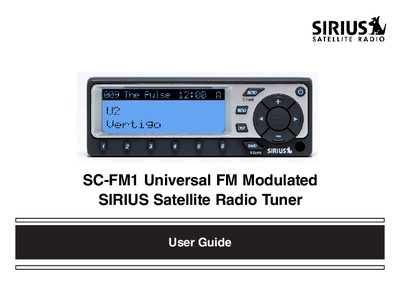
The SIRIUS SC-FM1 is a satellite radio tuner designed to play digital entertainment in your vehicle. This guide covers basic operations such as changing channels, searching for content by category or artist, and using direct tuning via the remote control.
Advanced features include setting channel presets (A through E), storing song titles and sports games in memory, and utilizing time-based functions like alarms and sleep mode. The document also details how to activate your subscription and provides troubleshooting tips.
Remove the battery cover, install a CR2025 battery with the positive side up, and replace the cover.
Press and release the BAND button to cycle through the five preset banks (A through E).