
Blaupunkt America SR04 Sirius Satellite Radio User Manual

This manual provides instructions on how to install, use, and maintain your SiriusXM satellite radio.
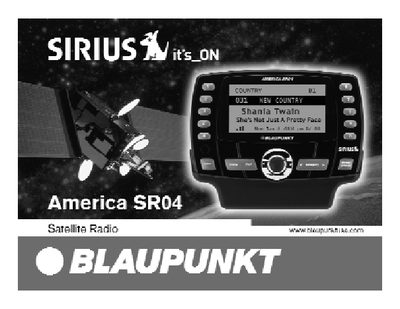

Blaupunkt America SR04 Sirius Satellite Radio User Manual - cover page
Brand
SIRIUS
Category
Car
Document type
User Manual
Language
English
Pages
28
File format
PDF
File size
261 KB
Published
06 July, 2012
Updated
30 September, 2023
MD5 checksum
F5EF26329B9B32C6CC897914CF6FC7CC

About this manual

The Blaupunkt America SR04 is a Sirius Satellite Radio Plug and Play Tuner designed to receive 100 channels of original programming in high-quality digital sound. The document serves as a user guide, covering activation procedures, vehicle and home installation, and detailed operation of the main unit and remote control.

What's inside

  • Congratulations
  • How to Activate Your Sirius Subscription
  • Precautions
  • Installation
  • Operation
  • Tuning Control
  • Memory Button
  • Menu Options
  • Troubleshooting Guide
  • Limited Warranty

Specifications

Number of Channels100 channels
Sound Qualityhigh-quality digital sound

Frequently asked questions

How do I activate my Sirius subscription?

Turn the unit's power on, then call 1-888-539-SIRIUS with your SIRIUS ID Number ready.

How many channels can I receive with this radio?

You have the ability to receive 100 channels of original programming.

What is the phone number to activate my Sirius subscription?

After turning the unit on, you must call 1-888-539-SIRIUS.

How long does the implied warranty last?

Any implied warranty is limited in duration to one year from date of purchase.

Download PDF (261 KB)

More SIRIUS Manuals


View all SIRIUS manuals →