
This document describes how to install Dash or Window Mount for XM onyX Radio. It is recommended to read the User Guide first.
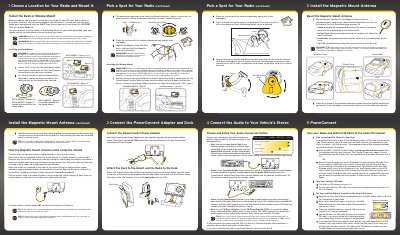
This document is a Quick Start Guide for the SIRIUS XM Dock & Play PowerConnect Second Vehicle Kit. It details the installation of the PowerConnect Vehicle Dock using either a Dash Mount or a Window Mount, ensuring proper placement to avoid driver visibility issues or airbag interference. The guide also covers the installation of the Magnetic Mount Antenna for various vehicle types, including sedans, trucks, and SUVs.
| Installation Temperature Requirement | at least 60°F (15°C) |
|---|---|
| Antenna Cure Time | at least 24 hours |
You can use either the Dash Mount or the Window Mount for your radio, depending upon your vehicle and the location where you want to place your radio.
For a Pickup Truck, we recommend mounting the antenna just above the front windshield.
The best method is to use the included Aux In Cable if your vehicle's stereo system has an auxiliary input connection.