
This manual describes how to install and use the PowerConnect Vehicle Dock.
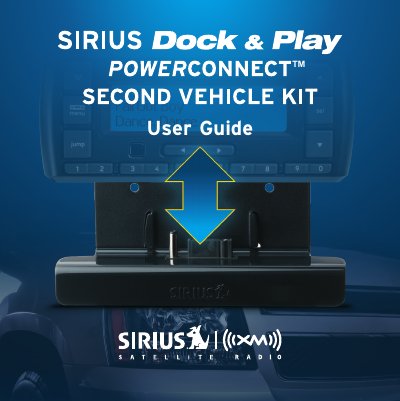
The document serves as a comprehensive user guide for the SIRIUS Dock & Play PowerConnect Second Vehicle Kit. It details how to add satellite radio functionality to a secondary vehicle without requiring an additional subscription by utilizing the existing receiver from another vehicle.
The manual covers the complete installation process, including selecting a mounting location (dash or window), installing the magnetic mount antenna and power adapter, connecting audio devices via color-coded ports on the PowerConnect Vehicle Dock, and troubleshooting common issues. It also includes product specifications and regulatory compliance information.
| System Power Requirements | 9-16 V DC, 500 mA (max) |
|---|---|
| Operating Temperature Range | 4°F to +140°F (-20°C to +60°C) |
| Audio Output | 1.8 Vrms (max) |
| PowerConnect Vehicle Dock Dimensions | 4.0 in x 2.3 in x 1.2 in |
| Vehicle Antenna Cable Length | 23 ft (7.0 m) |
No, you do not need a second subscription; simply install the kit in another vehicle and move your radio between them.
The system requires 9-16 V DC with a maximum current of 500 mA.
No, you should insert the PowerConnect Power Adapter directly into your vehicle's cigarette lighter/power outlet and not use an intermediary device.