
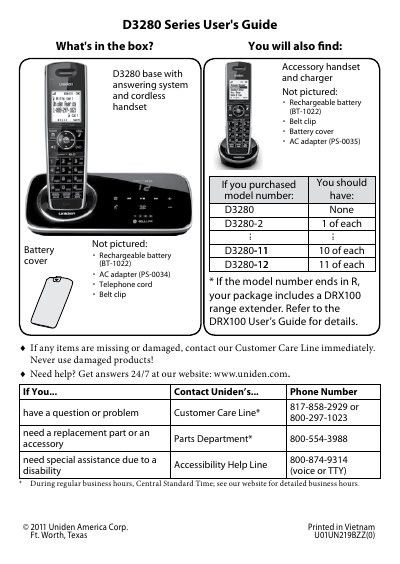
This document introduces the Uniden D3280 series cordless phone, including the base, answering system, cordless handset, and other accessories. It provides a list of accessories that should be included when purchasing different models. It also provides contact information for Uniden customer service.
The Uniden D3280 is a cordless telephone system featuring an answering machine and optional Bluetooth connectivity. The manual details how to install the base station and charge handsets, including specific instructions for connecting the power adapter and telephone line. It also explains how to attach belt clips and switch between tone and pulse dialing modes.
| Bluetooth Version | V2.0 handsfree profile |
|---|---|
| Maximum Bluetooth Range | about 10 feet (3 m) |
| Battery Charge Time | about 15 hours |
The phone uses tone dialing by default.
The D3280 can save pairing information for four different Bluetooth phones.
The default PIN code to pair with the D3280 is 0000.