
This document provides information on the purchase and compatibility of the Uniden DCX100 accessory handset and charger. The handset can be used anywhere in the home with AC power and Uniden provides a customer service hotline for accessibility questions. The handset needs to be registered to a Uniden main base before it can be used.
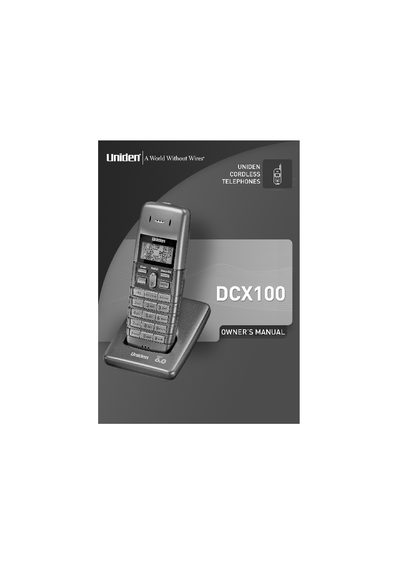
This manual provides instructions for the Uniden DCX100 accessory handset and charger. It details the initial setup process, including connecting the AC adapter (model AD-0005) and charging the NiMH battery pack (model BT-1002) for 15-20 hours before first use. The document also explains how to register the handset to a main base unit.
| Battery Type | Rechargeable NiMH Battery Pack |
|---|---|
| Battery Capacity | 800 mAh, 2.4V |
| AC Adapter Input | 120V AC 60 Hz |
| AC Adapter Output | 9V DC 210 mA |
| Compatible Base Models | DECT1060, DECT1060-2, DECT 1080, and DECT1080-2 |
You must charge the battery for 15-20 hours before using the handset.
The pre-set PIN code is 0000.
A base can have a maximum of 6 handsets registered to it.