
This manual introduces the basic use of the Uniden DECT1580 Series 2 cordless telephone, including installation, connection, and setup.
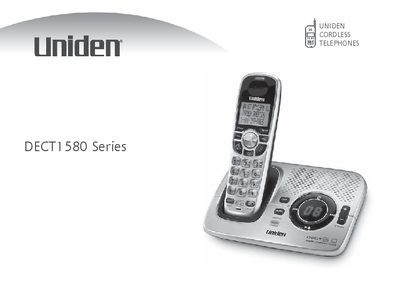
This document is the user manual for the Uniden DECT1580 Series cordless telephone. It covers the initial installation process, including choosing the best location for the base, installing the rechargeable battery pack, and connecting the AC adapter. The guide also details how to register accessory handsets and set up the phone line connection.
| Battery Type | Uniden BT-1015 rechargeable battery pack |
|---|---|
| AC Adapter Voltage | 120V AC wall outlet |
| DC Input | 9V |
You must use the Uniden BT-1015 rechargeable battery pack supplied with the cordless telephone.
You must use only the Uniden BT-1015 rechargeable battery pack supplied with your cordless telephone.
To avoid risk of fire and shock, you must use the Uniden PS-0009 AC adapter with the base.
You must connect the AC adapter to a standard 120V AC wall outlet.