
Congratulations on your purchase of the Uniden DCX300 accessory handset and charging cradle. You can place this fully featured cordless handset anywhere your home has AC power.
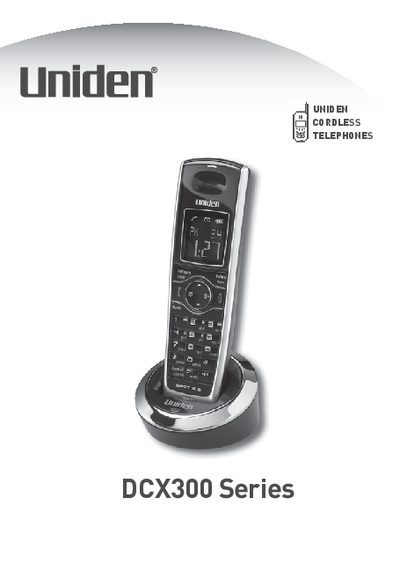
The Uniden DCX300 Series is an accessory handset designed to work with specific Uniden expandable phone systems. The package includes a rechargeable NiMH battery pack, a charging cradle with AC adapter, and a belt clip. Before use, the handset must be registered to a compatible base unit.
The document details procedures for installing the battery and optional headset, as well as various methods for registering the handset to different DECT series bases (DECT2060/2080, DECT3080, etc.). It also covers troubleshooting registration failures and provides step-by-step instructions for resetting or deregistering the handset if it needs to be transferred to a new base.
| Battery Type | Rechargeable NiMH Battery Pack (model # BT-1011) |
|---|---|
| AC Adapter Model | PS-0007 |
| Compatible Bases | DECT2000 and DECT3000 series |
| Initial Charge Time | 15 to 20 hours |
The handset must be registered to a Uniden main base.
Place the handset in the charging cradle and charge it for at least 15 to 20 hours.
Yes, insert the headset plug into the headset jack.