
This manual introduces the features of the Uniden Multi-Handset phone, including crystal clear digital sound quality, Caller ID, 30-number Caller ID, 100 phonebook entries, last 10 number redial, 10 handset ringer options (6 melodies and 4 tones), room monitor, and sound enhancer
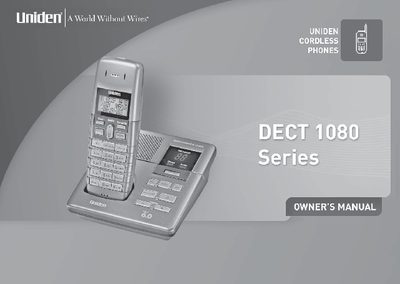
This manual provides instructions for setting up the Uniden Multi-Handset phone, including finding a location, connecting the power and telephone line, and preparing the handsets by installing and charging the battery packs. It details the initial configuration steps such as setting the date and time and connecting the telephone line cord.
| Talk time | 16 hours |
|---|---|
| Standby time | 7 days |
| Caller ID | 30 Number |
| Phonebook entries | 100 |
| Redial list | Last 10 number |
| Ringer options | 10 handset ringer options |
| Charging time | 15-20 hours |
You must charge each handset for 15-20 hours before use.
If the {73symbol is displayed on the handset, appears and you hear the low battery tone, you will need to recharge your handset.
No, this equipment is not designed for making emergency calls when the power fails.
Press and hold the Talk button to turn the handset off.