
This manual describes how to set up your new Uniden DCX200 accessory handset and charger.
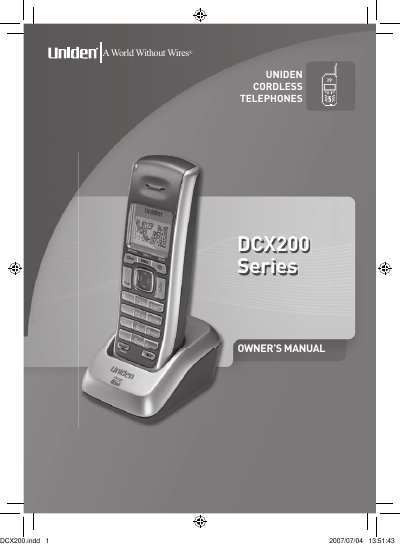
Congratulations on your purchase of the Uniden DCX200 accessory handset and charger. This fully featured cordless handset is designed to work with Uniden's 1.9 GHz DECT6.0 Expandable phone system, specifically the DECT2000 series. The device operates by registering to a main base unit, allowing you to place the handset anywhere your home has AC power.
| Frequency | 1.9 GHz DECT6.0 |
|---|---|
| Battery Type | Rechargeable NiMH |
| Battery Capacity | 650 mAh |
| AC Adapter Input | 120V AC, 60 Hz |
You must charge the handset battery pack for at least 15-20 hours before using your new handset for the first time.
Yes, but you must first clear the registration information from the base and the handset using the SYSTEM RESET menu.