
Agilent OL's PDF template extraction technology allows for specific search capabilities for any PDF file. The unique Agilent OL operating system provides powerful content management for all data and results from laboratory instruments. Agilent OL can also integrate with non-Agilent OL instruments and data systems, fully managing and controlling their electronic content.
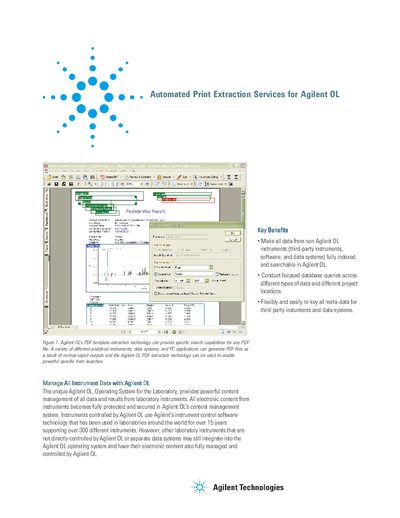
The document introduces the Agilent OL Print Extraction Service, a print management system designed to integrate non-Agilent laboratory instruments and data systems into the Agilent Operating System for the Laboratory (OL). It allows these external sources to direct printed PDF reports to an Agilent OL 'cyberprinter', ensuring all content is automatically secured in the content management repository.
The service works with third-party instruments and data systems that have print drivers and can direct reports to an Agilent OL cyberprinter.
One service is required for each data system or instrument that generates print output.
No, the system automatically directs PDF reports to the repository without the need for manual intervention.