
RadioLabs O2Link RL54GXP and O2Point O2POINT Universal Repeater Instructions

This document describes how to configure O2Link/O2Point as a stand-alone wireless repeater. O2Link/O2Point can be configured to act as almost any part of a wireless network or WLAN and can be easily integrated into an existing networking.
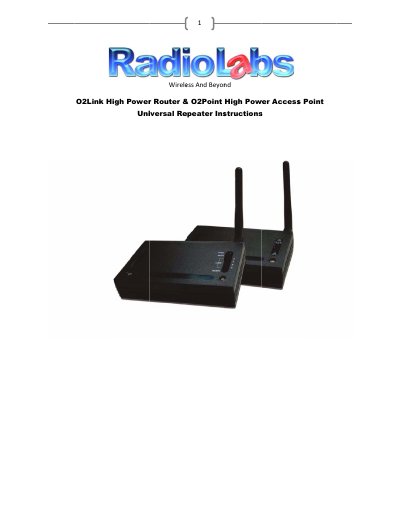

RadioLabs O2Link RL54GXP and O2Point O2POINT Universal Repeater Instructions - cover page
Brand
RadioLabs
Category
Router
Document type
User Manual
Language
English
Pages
12
File format
PDF
File size
1.1 MB
Published
04 July, 2012
Updated
30 September, 2023
MD5 checksum
BB49D1B2279CD0DAB0D0DE12F9225EEB

About this manual

This document guides users through the process of configuring an O2Link High Power Wireless Router (Item # RL54GXP) or an O2Point High Power Access Point (Item # O2POINT) to function as a stand-alone wireless repeater. The guide explains how to set up these devices individually to extend an existing network, particularly useful for integrating non-O2 networks or strengthening weak signals in specific areas.

What's inside

  • Configuration Overview
  • Network Preparation
  • Connecting to the Unit
  • Basic Configuration Settings
  • Security and Encryption
  • Site Survey and Connection

Frequently asked questions

What is the default IP address for configuring an O2Link High Power Router?

The default IP address for the O2Link unit is 192.168.1.1.

What is the default IP address for configuring an O2Point High Power Access Point?

The default IP address for the O2Point unit is 192.168.1.100.

What signal strength percentage indicates a stable connection?

A signal at 30% or above will allow a stable connection.

Download PDF (1.1 MB)

More RadioLabs Manuals


View all RadioLabs manuals →