
This manual introduces RadioLabs GS5000 Point to Point Bridge System and explains how to use the system to extend the size of your wireless network. The system allows you to connect two GS5000 units together as a bridge to create an extended wireless bridge. You can also use these same steps to add additional bridges for greater coverage.
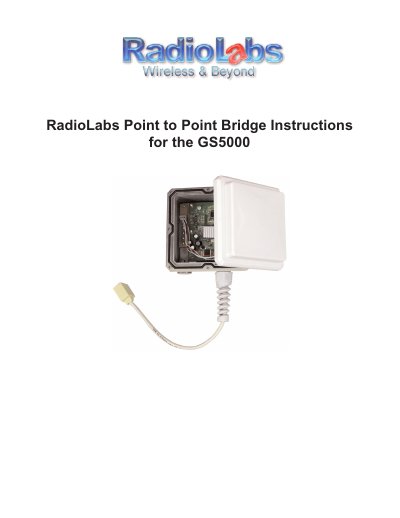
This guide explains how to use two GS5000 units as a bridge to connect antennas and extend a wireless network. It covers initial setup steps, including powering the antenna with a Cat5 cable and POE injector.
The document provides detailed instructions for configuring static IP addresses on Windows XP, Vista, and Mac OS X systems before accessing the device's web-based configuration utility at 10.10.10.254.
The default IP Address of the GS5000 is 10.10.10.254.
The GS5000 will reboot in 30-60 seconds.