
This is a guide for RadioLabs High Power Outdoor AP/Bridge (RL3022EXT) clients, which introduces how to set static IP address, connect to wireless network and reboot the device.
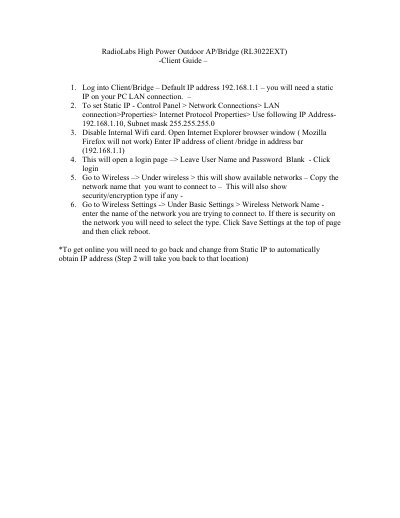
The document is a client guide for the RadioLabs RL3022EXT High Power Outdoor AP/Bridge. It outlines the steps required to establish a connection between a computer and the device using a static IP address.
Once connected, the user can access the device's web interface via Internet Explorer or Mozilla Firefox (though the text specifically notes Firefox will not work). The guide details how to configure wireless settings, including selecting a network name and security type, before rebooting the device.
The default IP address to access the device is 192.168.1.1.
You must use Internet Explorer, as Mozilla Firefox will not work.
You must select the security type and then click Save Settings and reboot.