
Key facts
- Brand
- RadioLabs
- Model
- O2Point
- Category
- Other Electronics
- Documents
- 2
- Languages
- EN
- Last added
- 2012-07-04
Start here
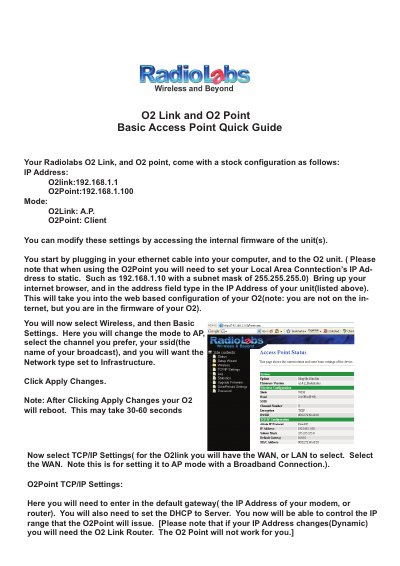
RadioLabs O2Link & O2Point Basic Access Point Quick Guide
This document provides a quick start guide for setting up the RadioLabs O2Link and O2Point units in Access Point (AP) or Client modes. It details the stock configuration, including specific IP addresses for each device, and explains how to access the web-based firmware interface via an ethernet connection.
Read onlineAll RadioLabs O2Point documents by type
Day-to-day operation, settings and troubleshooting. Start here if the product is already set up.
The shortest path to a working setup, usually only a few pages.
Questions answered in these manuals
What is the default IP address for configuring an O2Link High Power Router?
The default IP address for the O2Link unit is 192.168.1.1.
From: RadioLabs O2Link RL54GXP and O2Point O2POINT Universal Repeater Instructions
What is the default IP address for configuring an O2Point High Power Access Point?
The default IP address for the O2Point unit is 192.168.1.100.
From: RadioLabs O2Link RL54GXP and O2Point O2POINT Universal Repeater Instructions
What is the default IP address for the O2Link unit?
The default IP address for the O2Link is 192.168.1.1.
From: RadioLabs O2Link & O2Point Basic Access Point Quick Guide
What is the default IP address for the O2Point unit?
The default IP address for the O2Point is 192.168.1.100.
From: RadioLabs O2Link & O2Point Basic Access Point Quick Guide