
This document describes how to set up a point to point bridge using Bullet High Speed Wireless Platform.
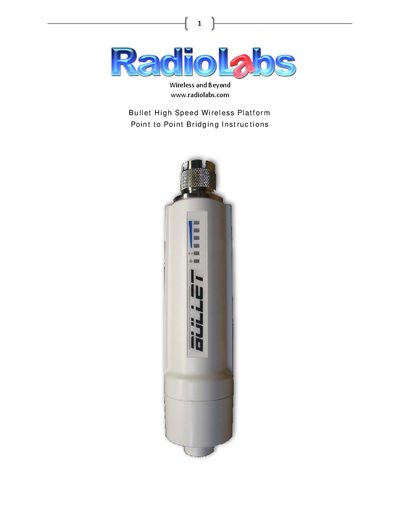
This document provides instructions for setting up the Bullet High Speed Wireless Platform to create a wireless bridge between two locations. It covers initial configuration steps, including disabling internal wireless cards on computers and assigning static IP addresses to access the device's web interface.
The guide details how to configure the primary unit as an Access Point (AP) and the secondary unit in Station WDS mode by locking it to the primary unit's MAC address. It also explains network settings, DHCP options, and troubleshooting tips related to MAC address entry.
| Wireless Speed | up to/over 100 megabits/second |
|---|---|
| Protocol Support | IEEE 802.11N |
| Frequency Band | 2.4Ghz |
The default username and password are both 'ubnt'.
You should enter 192.168.1.20 into the browser address bar.
Set the Wireless Mode to Station WDS and enter the MAC Address of the primary Bullet in the Lock to AP MAC field.