
This document is the Windows XP installation instructions for M-Audio's ProFire Lightbridge product, which mainly describes how to connect the device to the computer and download and install the driver.
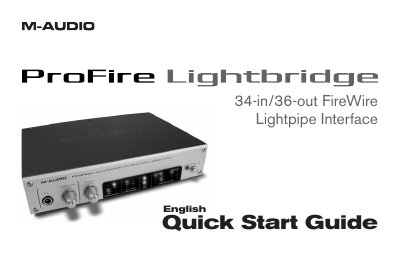
This document provides installation instructions for the M-Audio ProFire Lightbridge interface on Windows XP and Mac OS X. It details how to download or install drivers from the FireWire Series CD-ROM or the manufacturer's website, and explains the proper sequence for connecting the hardware to avoid hot-plugging issues.
| Digital I/O Channels | 34 channels |
|---|---|
| Analog Outputs | 1/4" headphone monitoring output and a pair of balanced 1/4" analog line outputs |
| Total Independent Outputs | 36 |
| ADAT Optical Inputs | four |
| S/PDIF Input | one |
Turn on the ProFire Lightbridge first, then turn on your computer.
No, you must connect and disconnect the interface only when the computer is powered off to avoid adverse effects.
All digital audio devices must be synchronized to each other to avoid timing glitches, clicks, pops, and bursts of white noise.