
This is a summary of the ProFire Lightbridge user manual, which introduces the features and characteristics of the product, including system requirements, controls and connectors, driver installation, hardware connections, etc.
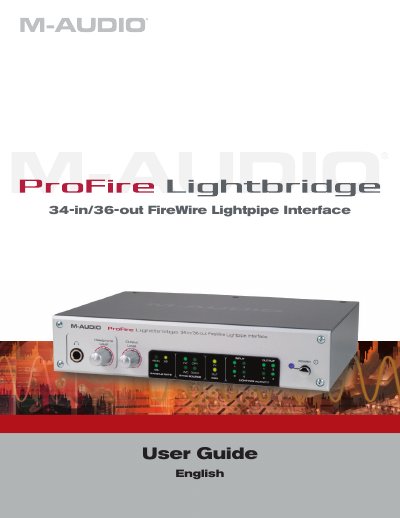
The M-Audio ProFire Lightbridge is a 1U half-rack audio interface designed to expand digital studio connectivity. It utilizes the ADAT optical I/O standard to provide up to 34 digital inputs and 36 outputs via a single FireWire connection. The interface features four ADAT optical inputs and outputs, S/PDIF coaxial I/O, and stereo analog outputs, allowing users to connect various digital devices to a FireWire-equipped digital audio workstation (DAW).
| Digital Inputs/Outputs | 34 inputs and 36 outputs |
|---|---|
| Sample Rates | 44.1, 48, 88.2, and 96kHz |
| Bit Resolution | up to 24-bit |
| MIDI I/O | 16 channels |
| Power Supply | 12V DC 1A |
The package includes the interface, a Quick Start Guide, a FireWire Series CD-ROM, two FireWire cables, and a 12V DC power supply.
The minimum requirements are a Pentium IV 1.8 GHz processor, 512 MB RAM, a 7200 rpm HD, and an available FireWire port.