
ProjectMix I/O Installation Instructions
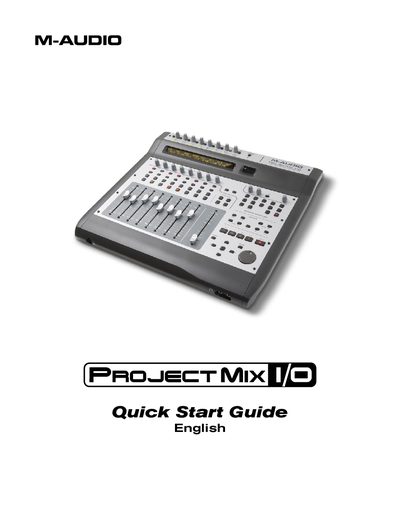
This Quick Start Guide explains how to install the necessary FireWire drivers for the M-Audio ProjectMix I/O on both PC and Mac OS X systems. It details the specific steps to connect the hardware to a computer and power supply, including important warnings about when to connect the device to avoid driver conflicts.
The document also covers basic equipment connections, such as routing analog outputs to speakers and connecting microphones or line-level instruments. It describes how to access the FireWire Control Panel to manage audio routing and monitoring. Finally, it lists the specific Digital Audio Workstation (DAW) software titles supported by the device and explains how to configure the unit for each one.
You must shut down your computer, connect the unit to a FireWire port and power outlet, turn on the ProjectMix I/O first, and then turn on your computer.