
M-Audio Session Music Producer is a audio device bundle from M-Audio, including M-Audio Producer USB microphone and Session recording software. This bundle is designed for beginners to easily record, edit and mix music.
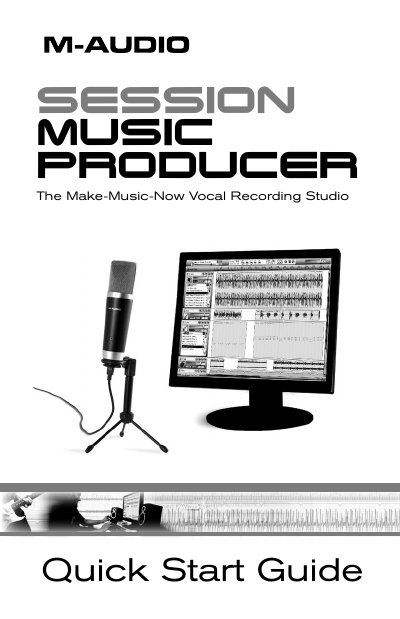
The M-Audio Session Music Producer is a high-quality USB microphone bundled with Session recording software. The package includes a 16mm cardioid capsule mic, low-latency ASIO drivers, onboard direct monitoring via a 1/8" jack, and a blue power LED. It is designed for podcasting, voice-overs, and music production.
| Microphone Capsule Type | 16mm cardioid capsule |
|---|---|
| Power Source | USB bus-powered |
| Monitoring Output | 1/8" headset/line output jack |
| Software Platform | Windows Only |
The microphone works with many third-party applications like GarageBand, Logic Pro, and Ableton Live, in addition to M-Audio Session.
You must connect headphones or powered speakers to the unit's 1/8-inch headphone jack; sound will not come out of your computer speakers.