
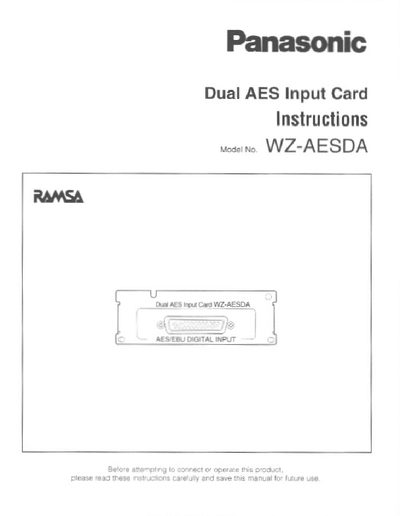
The document provides installation instructions for the Panasonic WZ-AESDA, an option card designed to be installed in the DA Converter WZ-DA96. It details how to remove the standard AES/EBU input block and install the new card using four screws.
The manual includes a pin assignment diagram for the DB25 connector and lists technical specifications such as signal level (RS-422), supported channel modes, and physical dimensions.
| Input Connector | DB25 |
|---|---|
| Signal Level | RS-422 |
| Dimensions (mm) | 108(W) x 37(H) x 62(D) |
| Weight | 100 g |
It is an option card to be installed in the DA Converter WZ-DA96.
Panasonic part # 96DB-XLRF (DB-25 to 8 Female XLR, Length 3m) is recommended.