
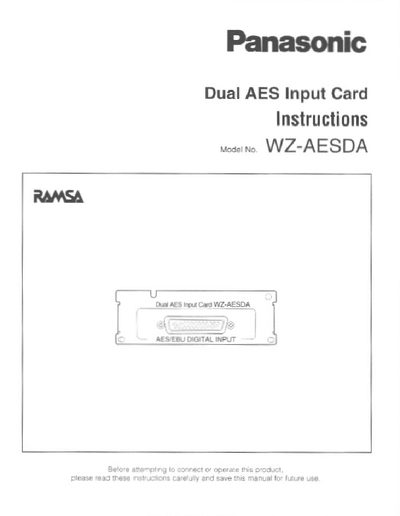
The Panasonic WZ-AESDA is an optional expansion card designed to be installed inside the DA Converter WZ-DA96. It allows the unit to receive 8-channel, 24-bit digital audio input signals conforming to the AES Dual Mode standard at sampling rates of 44.1/48 kHz or 88.2/96 kHz.
The document provides step-by-step installation procedures for qualified service personnel, including disconnecting power, removing the standard input block, inserting the card, and securing it with screws. It also details pin assignments for the DB-25 connector and lists recommended cabling.
| Input Connector | DB25 |
|---|---|
| Signal Level | RS-422 |
| Channel Mode (Normal) | 8 ch x 2, 24bit, 44.1/48 kHz |
| Channel Mode (Double-Speed) | 8 ch x 2, 24bit, 88.2/96 kHz |
| Channel Mode (Dual AES) | 8 ch, 24bit, 88.2/96 kHz |
| Dimensions (mm) | 108(W) x 37(H) x 62(D) |
| Weight | 100 g |
It is an option card to be installed in the DA Converter WZ-DA96 to receive digital audio input signals.
Installation should only be performed by qualified service personnel or system installers.