
This is a Midland LXT460 Series GMRS/FRS Radio X-TRA TALK ® user manual, which covers the product's features, usage methods, warranty information, etc.
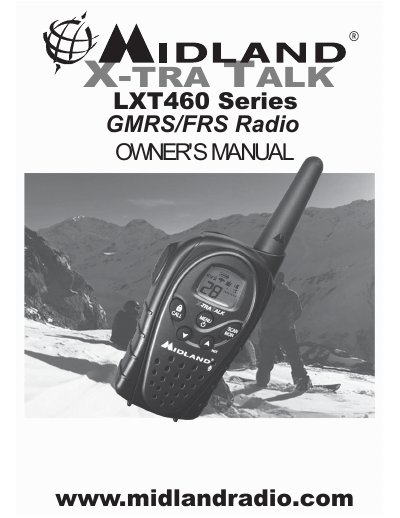
This document is the owner's manual for the Midland LXT460 Series two-way radio. It provides instructions on installing batteries (AAA or optional NiMH), attaching the belt clip, and charging the battery pack. The guide details how to operate the device using the PTT button, adjust volume, and utilize features like VOX, scan, monitor, and call alert.
| Channels (GMRS/FRS) | 28 GMRS/FRS Channel |
|---|---|
| Privacy Codes | 121 Privacy Codes (38 CTCSS / 83 DCS) |
| Battery Type | 4 AAA alkaline batteries or optional NiMH battery pack |
| Initial Charge Time | 24 hours |
The radio operates with either 4 AAA alkaline batteries or an optional NiMH battery pack.
The initial charge time is 24 hours, though subsequent charges take about 12 hours.
Press and hold the UP button for 5 seconds to activate the NOAA Weather Scan function.