
This document introduces the use and features of MIDLAND NAUTICO 3 ® VHF MARINE RADIO.
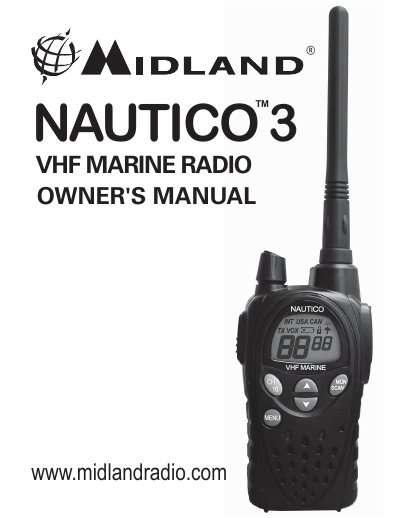
This document is the owner's manual for the Midland NAUTICO 3 (Model NT3 Series) VHF Marine Radio. It provides instructions on setting up the device, including installing AA batteries or an optional NiMH battery pack, attaching the belt clip, and charging the battery pack using the included AC or DC charger.
The guide details how to operate the radio's various functions, such as transmitting and receiving voice communications, utilizing the eVOX feature for hands-free operation, accessing the menu system to adjust settings like power levels and channel selection (USA/Canada/International), and using the Monitor and Scan modes. It also includes a quick reference chart for button functions and emergency distress call procedures.
| Marine Channels (USA) | 57 channels |
|---|---|
| Marine Channels (Canada) | 61 channels |
| Marine Channels (International) | 57 channels |
| Battery Type | 4 AA alkaline or optional NiMH battery pack |
Connect the AC adapter into a wall outlet and insert it into the charging jack on the side of the radio. The initial charge time is 24 hours.
Press the PTT button twice within ½ second to transmit a call alert for a fixed length of time.
Quickly press the SCAN button to rapidly scan all channels for activity. Repeat the procedure to exit.