
This document provides instructions for using the Midland Radio Corporation's All Hazards Alert Weather Radio WR-120. It has various features, including setting language, location, country, time, channel, and volume.
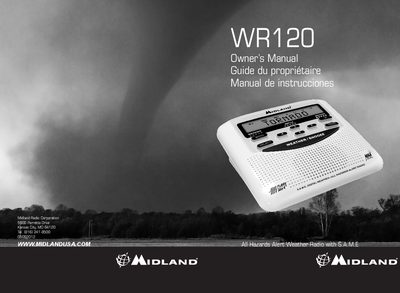
The Midland WR-120 is an all-hazards alert weather radio featuring S.A.M.E. (Specific Area Message Encoding) technology to filter alerts based on location. It receives broadcasts 24 hours a day for life-threatening weather and civil emergencies, including tornadoes, hurricanes, floods, amber alerts, and hazardous material spills.
| Technology | S.A.M.E. (Specific Area Message Encoding) |
|---|---|
| Alert Types | Display, Voice, or Tone |
| Tone Duration | 3 minutes |
| Alert Memory | 10 different Weather/Hazard alerts |
It receives information on life threatening weather such as tornadoes, hurricanes, floods, ice storms as well as civil emergencies such as Amber alerts, hazardous explosions, fires and chemical spills.
To temporarily silence the sleep alarm, press the WEATHER / SNOOZE button. This will advance the alarm time by 8 minutes.
Yes, you can program up to 25 different location codes for multiple counties.