
HH50/51 Pocket Weather Alert Radio Owner’s Manual introduces the features and characteristics of the product, such as battery installation, power switch, and alert mode.
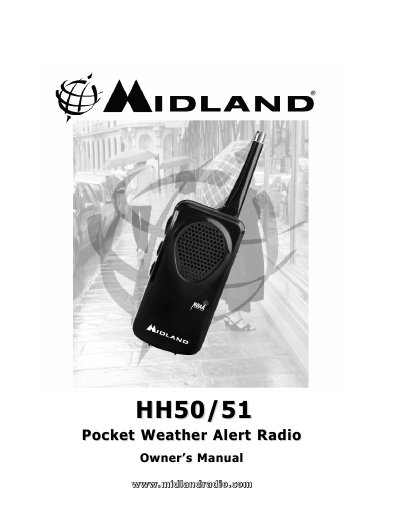
The Midland HH50/51 Pocket Weather Alert Radio is designed to receive National Weather Service (NWS) broadcasts. It features an automatic alert system that activates during emergencies to provide warnings for severe weather and civil emergencies. The device includes a telescoping antenna and volume controls for user convenience.
| Battery Type | 3 AAA batteries |
|---|---|
| Antenna Type | 6-inch telescoping antenna |
| Alert Tone Duration | 15 seconds |
| Warranty Period | ONE Year |
Move the slide switch on the right side of the unit to the “ALERT” position.
The radio will hear static if no broadcast is available.
Move the slide switch to the “ALERT” position and press and hold the TEST button for 3 seconds.