
This manual introduces the use of All Hazards Weather Alert Radio WR300, including installing batteries, inserting power adapter, pulling out antenna, adjusting weather channel and turning on weather radio
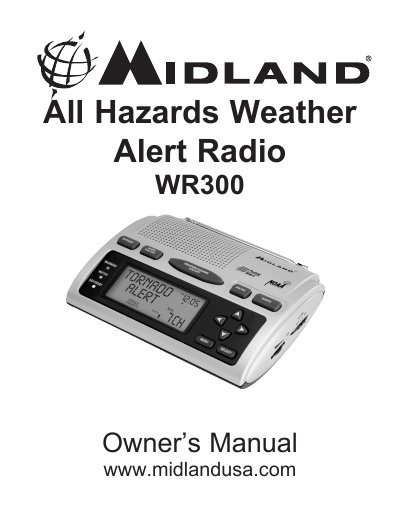
The Midland WR-300 is a portable All Hazards Weather Alert Radio designed to receive emergency broadcasts from the National Weather Service (NWS). It features an automatic alert system that activates with a tone and flashing LED for severe weather warnings such as tornadoes, hurricanes, and floods. The device supports S.A.M.E. Digital Weather/Hazard Alert technology, allowing users to program specific county codes to filter alerts relevant only to their area.
| Battery Requirement | 4 AA batteries (not supplied) |
|---|---|
| Power Source | AC adapter or DC jack |
| Max S.A.M.E. Codes | 23 different codes |
You can call the National Weather Service toll-free number at 1-888-NWS-S.A.M.E. (1-888-697-7263) or visit www.nws.noaa.gov/nwr/indexnw.htm.
Press and release any button to turn the backlight on for 5 seconds, or use the MENU button to set it to continuous.
The radio automatically activates with a loud tone, a flashing LED indicator, and an alert message on the LCD.