
This document is the owner's manual for the Brother FAX 2750 FAX 3750.
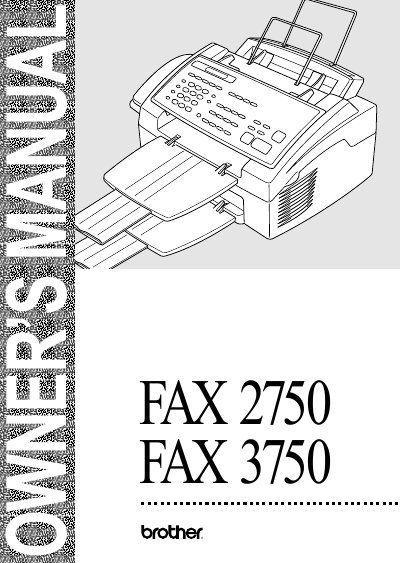
This manual provides detailed instructions for the setup, operation, and maintenance of the Brother FAX-2750 and FAX-3750 models. It covers initial configuration including date/time settings, dialing modes, and connecting external devices such as telephone answering systems or computers via Multi-Function Link Pro software.
The guide also details sending and receiving faxes, utilizing features like polling, broadcasting, and distinctive ringing. Additionally, it includes sections on using the machine as a copier, troubleshooting common errors, performing regular maintenance tasks like cleaning and replacing toner cartridges, and printing activity reports.
| Year 2000 Compliant | Yes, provided third party software accurately exchanges date data |
|---|---|
| Customer Service (USA) | 1-800-521-2846 |
You can use the Fax-Back System available 24 hours a day, 7 days a week.
You can visit the website http://www.brothermall.com or call 1-888-879-3232.
ECM stands for Error Correction Mode, which is a feature discussed in the manual.