
This supplementary manual introduces TXn firmware V1.3. Added and changed functions. Please read it together with TX6n/TX5n/TX4n reference manual. � The partial lock function has been added as a panel parameter value option in the Front Panel Operation page of the UTILITY screen. � The PIN Code has been added in the Front Panel Operation page of the UTILITY screen. � A shortcut has been added to quickly access the speaker processor component library screen.
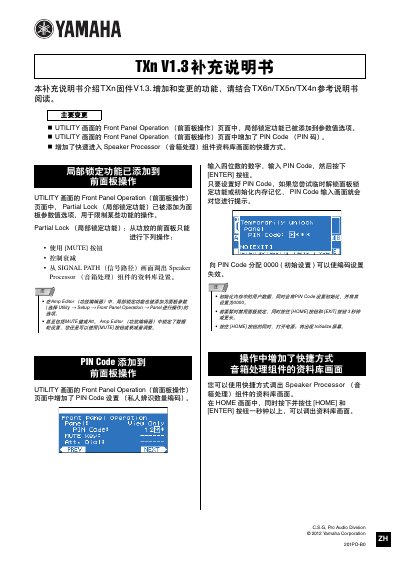
This document serves as a supplemental guide for the Yamaha TXn series (TX6n/TX5n/TX4n) regarding Firmware V1.3 updates. It outlines specific changes to the utility menu and front panel operations introduced in this version.
Key features added include a Partial Lock function within the Front Panel Operation settings, which restricts certain adjustments from the front panel while allowing others like muting and volume control. Additionally, a PIN Code feature has been implemented for security, requiring a four-digit code to unlock specific functions or reset memory. This manual is written in Chinese.
It restricts certain operations from the front panel, allowing only specific actions like using the MUTE button and controlling attenuation.
Enter a four-digit number in the Front Panel Operation menu and press the ENTER button.
In the HOME screen, simultaneously press and hold the HOME and ENTER buttons for one second or longer.