
The ZXCL series are very small low dropout regulators designed for use in low power and severely space limited applications. The devices operate with a low dropout voltage, typically of only 85mV at 50mA load. Supply current is minimised with a ground pin current of only 50µA at full 150mA load. Logic control allows the devices to be shut down, consuming typically less than 10nA. These features make the device ideal for battery powered applications where power economy is critical. The parts have been designed with space sensitive systems in mind. They are available in the ultra small SC70 package, which is half the size of other SOT23 based regulator devices.
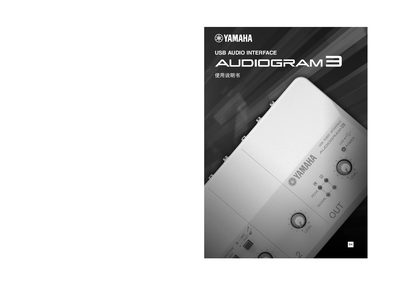
The Yamaha AUDIOGRAM3 is a USB audio interface designed to connect microphones or instruments directly to a computer. It supports high-quality audio recording and playback via the included Cubase AI digital audio workstation (DAW) software.
To begin using the device, users must install the necessary drivers and software on their Windows or Macintosh computer. The manual details the step-by-step installation process for both operating systems and explains how to configure the interface within the DAW environment.
The AUDIOGRAM3 is compatible with Windows and Macintosh operating systems.
The AUDIOGRAM3 supports sample rates of 44.1 kHz and 48 kHz.