
This document is the AUDIOGRAM 3 User Manual for Yamaha, introduces the features and characteristics of the product, including precautions, connection, careful operation and other content
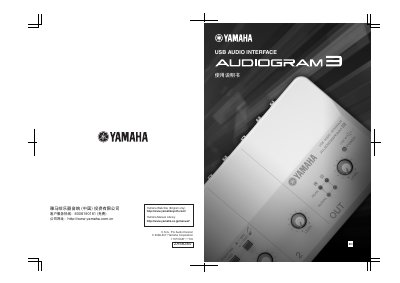
The Yamaha AUDIOGRAM3 is a USB audio interface designed to connect microphones and instruments to computers running Cubase AI or other compatible Digital Audio Workstations (DAWs). The device features XLR inputs with phantom power support and stereo line outputs for high-quality audio recording and playback.
This guide covers the initial setup process, including connecting the unit via USB, installing necessary drivers on Windows or Macintosh systems, and configuring the software within Cubase AI. It also details how to activate Phantom Power (+48V) for condenser microphones and explains the use of the control panel LEDs.
The AUDIOGRAM3 is compatible with Windows and Macintosh operating systems.
The AUDIOGRAM3 supports sample rates of 44.1 kHz and 48 kHz.