
This is a BODiBEAT Station owner’s manual that introduces the usage methods of BODiBEAT Station, including how to view exercise logs, create and manage training programs, manage song data, preference settings, print the library, transfer the library to another computer, and update the BF-1 and/or BODiBEAT Station.
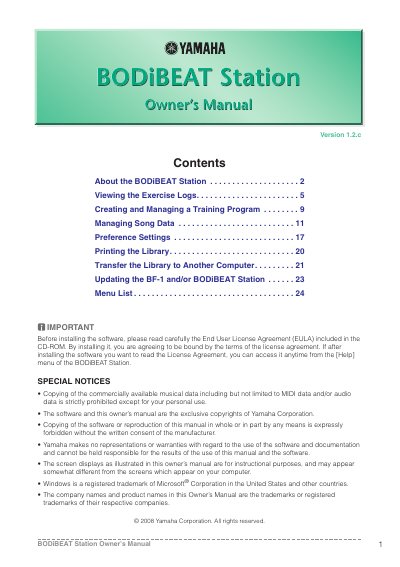
The Yamaha BODIBEAT Station is a computer application designed to manage song data and analyze exercise logs from the BODIBEAT device. It allows users to view workout statistics in graph or list formats, create personalized training programs based on target speed and heart rate, and synchronize playlists with their music library.
| Operating System | Windows XP Service Pack 2 or later, Windows Vista, or Windows 7 |
|---|---|
| Processor | 1 GHz or higher; Intel Pentium/Celeron processor |
| Memory (Windows XP) | 128 MB or more (256 MB or more is recommended) |
| Memory (Windows Vista/7) | 512 MB or more (1 GB or more is recommended) |
| Hard Disk Space | 200 MB or more free space |
Yes, you can quickly see the latest log in a standard graph format by selecting the blue and purple graph icon under the Exercise Library.
Yes, you can delete logs from both the device and software, but please note that deleted logs cannot be restored.