
This document is the owner's manual for the BODiBEAT Station product, which describes the features and usage of the product.
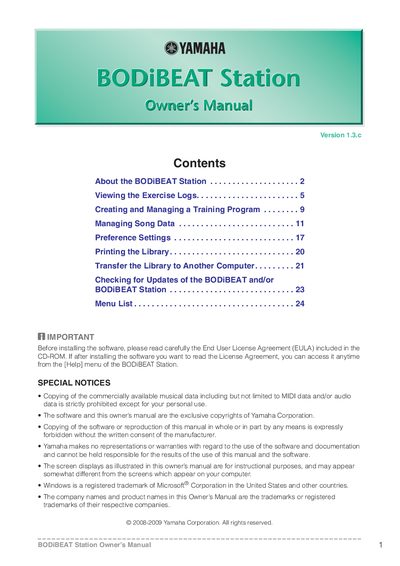
The Yamaha BODIBEAT Station is a software application designed to manage exercise logs and song data for the BODIBEAT device. It allows users to view exercise data as graphs or lists, create personalized training programs, and synchronize song libraries between the computer and the device. The software supports features such as analyzing song tempo, creating playlists, and registering personal information like height, weight, and stride.
| Operating System | Windows XP Service Pack 2 or later, 32-bit editions of Windows Vista, or Windows 7 |
|---|---|
| Processor | 1 GHz or higher; Intel Pentium/Celeron processor |
| Memory (Windows XP) | 128 MB or more (256 MB or more is recommended) |
| Memory (Windows Vista/7) | 512 MB or more (1 GB or more is recommended) |
| Hard Disk Space | 200 MB or more free space |
| Display Resolution | 1024 x 768 or more |
No, deleted logs cannot be restored.
Your custom preference settings and Library contents will be preserved and restored after re-installation.
Yes, you can view logs in graph format by selecting the desired exercise log and choosing New Log View > Graph View.