
This is a quick start guide for OLYMPUS digital camera IR-500. It contains instructions for basic operations to use the digital camera immediately after purchase.
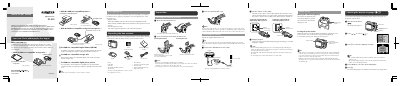
This document serves as a quick start guide for the Olympus IR-500 digital camera. It provides instructions on unpacking the box contents, inserting batteries and memory cards, and charging the battery using the supplied cradle.
The guide details how to operate the camera's multi-swing display, take pictures in P-AUTO mode, erase images from the memory card, and transfer photos to a computer using OLYMPUS Master software.
The available display languages differ depending on the region where the camera is sold.
Charging begins with a slowly blinking power lamp, and the lamp goes off when charging is complete.
You can select NTSC for North America, Japan, Taiwan, and Korea, or PAL for European countries and China.