
This manual explains advanced techniques such as shooting and playback functions, customizing functions or settings and transferring recorded images to a computer, etc.
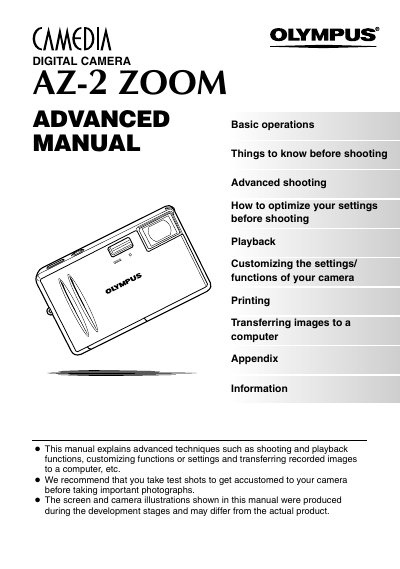
This document serves as a basic manual for the Olympus AZ-2 ZOOM digital camera. It provides essential information on unpacking accessories, attaching the strap, and general safety precautions to ensure proper use and longevity of the device.
The guide explains fundamental operations including loading batteries, inserting xD-Picture Cards, powering the camera on and off, taking photographs using various scene shooting modes, and playing back images. It also details how to transfer pictures to a PC or print them directly.
The camera uses xD-Picture Cards for storing images.
Yes, you can print out stored pictures directly with a PictBridge-compatible printer without using your PC.