
This document introduces the use of Olympus digital cameras, including how to install camera strap, install storage card, turn on and off the camera.
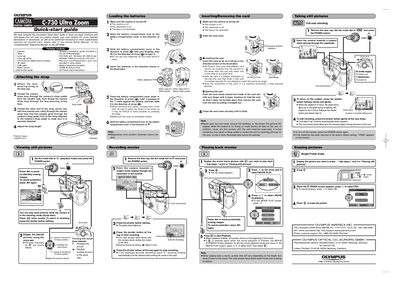
The document serves as a convenient introduction to the Olympus C-730 Ultra Zoom digital camera, outlining essential procedures to help users quickly master the device. It directs readers to separate Basic and Reference manuals on the included CD-ROM for detailed descriptions of sophisticated features.
Key topics covered include attaching the camera strap, loading CR-V3 lithium batteries or AA batteries, inserting xD-Picture Cards, and operating the camera in full-auto mode. The guide also provides step-by-step instructions for taking still pictures, recording movies, viewing images on the monitor, and erasing data.
| Battery Type | CR-V3 lithium battery pack or AA batteries |
|---|---|
| Memory Card Format | xD-Picture Card and SmartMedia card |
You can use CR-V3 lithium battery packs or AA manganese (zinc-carbon) batteries are not allowed.
No, you can only insert one of them at any given time.
When the subject is in focus, the green lamp lights up.