
This document explains how to properly use the camera and insert the battery card. Before using the camera, make sure the camera is turned off, the monitor is off, the viewfinder is off, and the lens is not extended. Insert the battery card as far as it will go in the direction indicated by the arrow, and be careful not to insert it at an angle. When removing the battery card, hold it with your fingertips and pull it out in the direction of the arrow. The document also explains how to properly insert the batteries and close the battery compartment cover.
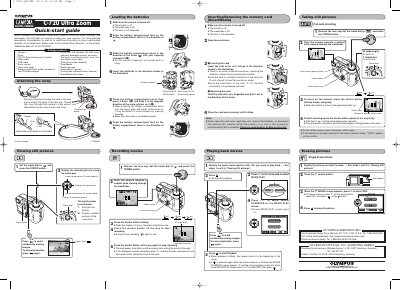
The document serves as a Quick-Start Guide for the Olympus Camedia C-720 Ultra Zoom digital camera. It outlines essential procedures to help users quickly master basic functions and techniques, directing them to separate manuals for detailed descriptions of sophisticated features.
Key topics include package contents verification, attaching the strap, loading CR-V3 lithium batteries or AA batteries, inserting SmartMedia cards, and operating controls such as the power switch, zoom lever, and mode dial. The guide provides step-by-step instructions for full-auto shooting, viewing still pictures, recording movies, and erasing images.
| Optical Zoom Magnification | 8x |
|---|---|
| Focal Length Equivalent (35mm) | 40 mm - 320 mm |
| Macro Shooting Range (Wide) | 0.1m - 0.6 m |
| Macro Shooting Range (Tele) | 1.0 m- 2.0 m |
| ISO Sensitivity Options | AUTO/100/200/400 |
The package includes two CR-V3 lithium battery packs.
Yes, the guide provides instructions for using AA (R6) batteries as an alternative to CR-V3.
You can set a protection mark on the card access lamp to prevent pictures from being erased accidentally.