
Olympus FE-300/X-830 Digital Camera Instruction Quick Start Guide Manual

This is a basic manual for OLYMPUS FE-300/X-830 digital camera, which covers basic operations, shooting modes, menu settings, etc.
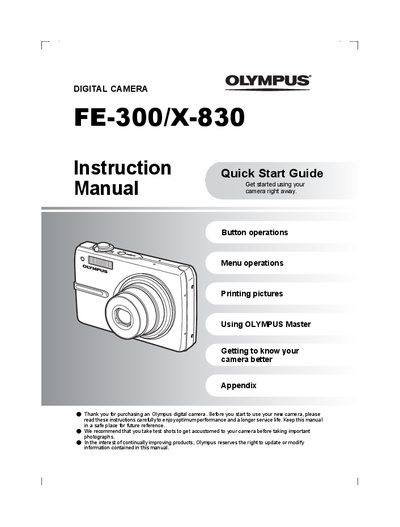

Olympus FE-300/X-830 Digital Camera Instruction Quick Start Guide Manual - cover page
Brand
Olympus
Category
Digital cameras
Document type
User Manual
Language
English
Pages
68
File format
PDF
File size
5 MB
Published
08 June, 2012
Updated
29 September, 2023
Models
FE-300, X-830, E-30
MD5 checksum
59CB0FA6331636C167103DACBEBCA81E

About this manual

This document serves as an Instruction Quick Start Guide and User Manual for the Olympus FE-300/X-830 digital camera. It provides step-by-step instructions on setting up the device, including charging the battery (L-42B) and inserting the optional xD-Picture Card or using internal memory. The guide explains how to turn on the camera, set shooting modes via the mode dial, and configure date and time settings.

What's inside

  • Quick Start Guide
  • Button operations
  • Menu operations
  • Printing pictures
  • Using OLYMPUS Master
  • Getting to know your camera better
  • Appendix

Frequently asked questions

What is the approximate charging time for the battery?

The charging time is approximately 5 hours.

Can I take pictures without an xD-Picture Card?

Yes, you can record pictures in the internal memory if no card is inserted.

What happens when I press the POWER button once?

Pressing the POWER button again turns off the camera.

Download PDF (5 MB)

More Olympus Manuals


View all Olympus manuals →