
This manual describes how to use the Agilent 1200 Series Sample Capacity Extension, which doubles the sample capacity of Agilent 1200 Series liquid chromatographs.
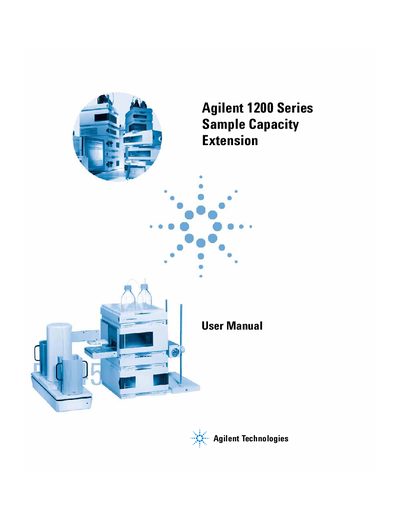
This manual provides step-by-step instructions for installing and configuring the Agilent 1200 Series Sample Capacity Extension, including the Well-plate handler, Automation Interface, and optional barcode readers. It also covers software navigation using ChemStation, creating hypersequences, and troubleshooting common errors and maintenance tasks.
The document includes safety information, electrical specifications, and detailed procedures for adjusting hardware components, testing functionality, and resolving issues such as power failures or sensor errors.
| Manual Part Number | 62257-90010 |
|---|---|
| Edition | 02/06 |
| Printed in | Germany |
Follow the installation steps in Section 2, including setting up the hardware and making electrical connections.
The Agilent ChemStation software is used for navigation and configuring the Sample Capacity Extension.
Check for power issues and refer to Section 5 for error messages and solutions.