
GeneSpring GX® QuickStart Guide is a guide to help users analyze data. It introduces how to load genome information, load experimental data, and specify data settings.
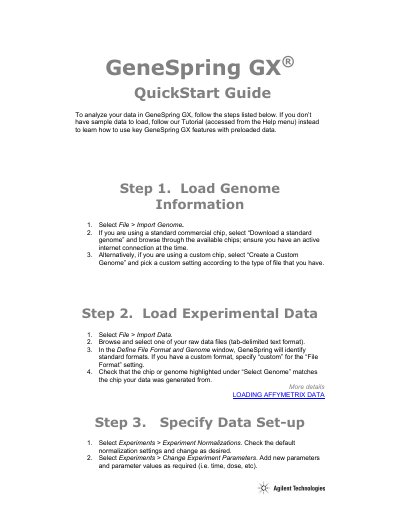
This guide walks you through loading genome information and experimental data for GeneSpring GX. It covers setting up data parameters and performing data analysis using built-in tools. The guide also references tutorials for learning key features with preloaded data.
Load Genome Information by selecting File > Import Genome.
Select File > Import Data, then browse and select a raw data file.
Select Experiments > Experiment Normalizations and Experiments > Change Experiment Parameters.
Go to the Filtering menu or select Tools > Statistical Analysis to filter genes.