
This document describes the installation and usage of Agilent Technologies Agilent MassHunter LC/SQ ChemStation Integration Software. The software allows for the translation of LC/MS ChemStation data files to the MassHunter format, enabling analysis with the Agilent MassHunter Workstation Software for qualitative and quantitative analysis.
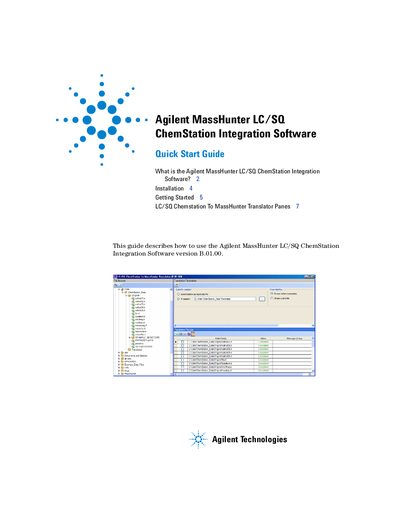
This guide explains how to install and use the Agilent MassHunter LC/SQ ChemStation Integration Software to translate LC/MS ChemStation data files into MassHunter format. It covers installation steps, selecting data files, choosing output folders, and initiating translation. The software enables qualitative and quantitative analysis using MassHunter Workstation programs.
The guide also describes the user interface, including panes for file browsing, translation parameters, file lists, and status details. It includes instructions for handling data files, setting translation parameters, and verifying successful translations.
This program lets you translate LC/MS ChemStation data files to the MassHunter format so that they can be analyzed with the Agilent MassHunter Workstation Software - Qualitative Analysis and Quantitative Analysis programs.
Check that no other program is running, uninstall any previous version, insert the CD, double-click Setup.exe, accept the license agreement, and follow the installation wizard steps.
Select the data files in the File Browser, choose the output folder, and click the Translate button in the Translation File List pane.